When managing a website, you may come across different HTTP status codes while checking redirects, broken pages, or technical SEO issues. One of the most common redirect responses is the 302 status code. For website owners, understanding what it means and when to use it can help prevent unnecessary SEO and user-experience problems.
A 302 status code tells browsers and search engines that a requested webpage has been temporarily moved to another URL. The original URL may become available again, so the redirect is generally intended to be temporary.
What Is a 302 Status Code?
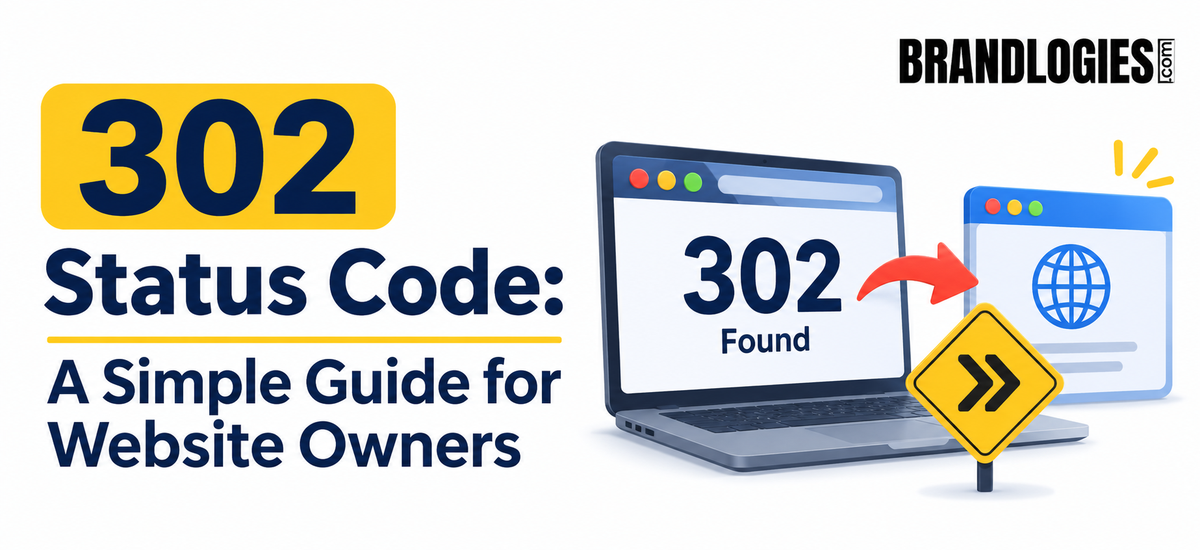
A 302 status code is an HTTP response that indicates a temporary redirect. When a visitor requests one URL, the server responds that the requested resource can currently be found at another location.
For example, imagine your website has this page:
example.com/product
You temporarily want visitors to access:
example.com/new-product
A 302 redirect can send users from the old URL to the temporary destination while allowing you to return the original URL later.
This is different from a permanent redirect, such as a 301, which tells search engines that the original URL has permanently moved.
How Does a 302 Redirect Work?
The process is relatively simple.
A visitor enters or clicks an original URL. The browser sends a request to your web server. The server responds with a 302 HTTP status and provides another URL as the temporary destination. The browser then loads that destination for the visitor.
For example:
Old URL → 302 Redirect → Temporary URL
The visitor may not notice the technical process because the browser automatically follows the redirect.
However, search engines need to understand whether the change is temporary or permanent. This is why selecting the correct redirect type matters for SEO.
When Should You Use a 302 Status Code?
A 302 redirect can be useful when the original page is expected to return.
For example, an ecommerce store might temporarily redirect customers from a product page while testing a new version of the page. A business could also use a temporary redirect during a short-term promotional campaign or website maintenance.
Other situations may include seasonal landing pages, temporary experiments, or temporary changes to website functionality.
The important factor is intent. If the move is genuinely temporary, a 302 may be appropriate.
302 vs. 301 Redirect
The biggest difference between a 302 and a 301 is whether the URL change is temporary or permanent.
A 302 redirect communicates that the change is temporary.
A 301 redirect communicates that the page has permanently moved.
Using a 302 when you actually intend to permanently redirect a page can create confusion. Search engines may continue treating the original URL as the preferred location rather than fully consolidating signals toward the new URL.
Website owners should therefore determine the purpose and expected duration of the redirect before implementing it.
Can a 302 Status Code Affect SEO?
A 302 status code does not automatically damage SEO. The impact depends largely on how and why the redirect is being used.
If you intentionally use a temporary redirect for a legitimate reason, it can be perfectly reasonable. Problems can arise when temporary redirects are used for pages that have actually moved permanently or when redirect chains and loops are created.
For example:
Page A → 302 → Page B → 302 → Page C
Long redirect chains can create unnecessary requests and potentially affect the user experience and website crawling process.
Regular technical SEO audits can help identify these issues before they become larger problems.
Common 302 Redirect Mistakes
One common mistake is using 302 redirects everywhere simply because they are easy to implement. Another is forgetting to remove temporary redirects after a campaign, website test, or maintenance period ends.
Redirect loops are another issue. If Page A redirects to Page B while Page B redirects back to Page A, visitors and search engines may never reach the intended content.
It is also important to monitor redirects after website migrations, URL changes, redesigns, and platform updates.
How Brandlogies Can Help With Technical SEO
Technical issues can sometimes remain hidden even when a website looks perfectly normal to visitors. Redirect errors, broken links, indexing problems, duplicate URLs, and crawlability issues can all influence how search engines understand a website.
Brandlogies helps businesses improve their digital presence through SEO strategies that include technical SEO, website optimization, content, keyword research, and search visibility.
A regular technical SEO review can help identify whether your website is using 301 and 302 redirects appropriately and whether unnecessary redirect chains or loops are affecting important pages.
Final Thoughts
A 302 status code is not something website owners need to fear. It is simply a tool for temporarily directing visitors from one URL to another. The key is using it for the right purpose.
If a page has genuinely moved permanently, a 301 redirect may be more appropriate. If the change is temporary, a 302 can communicate that intention.
Understanding these differences helps website owners maintain a cleaner website structure, better user experience, and a more organized technical SEO strategy.