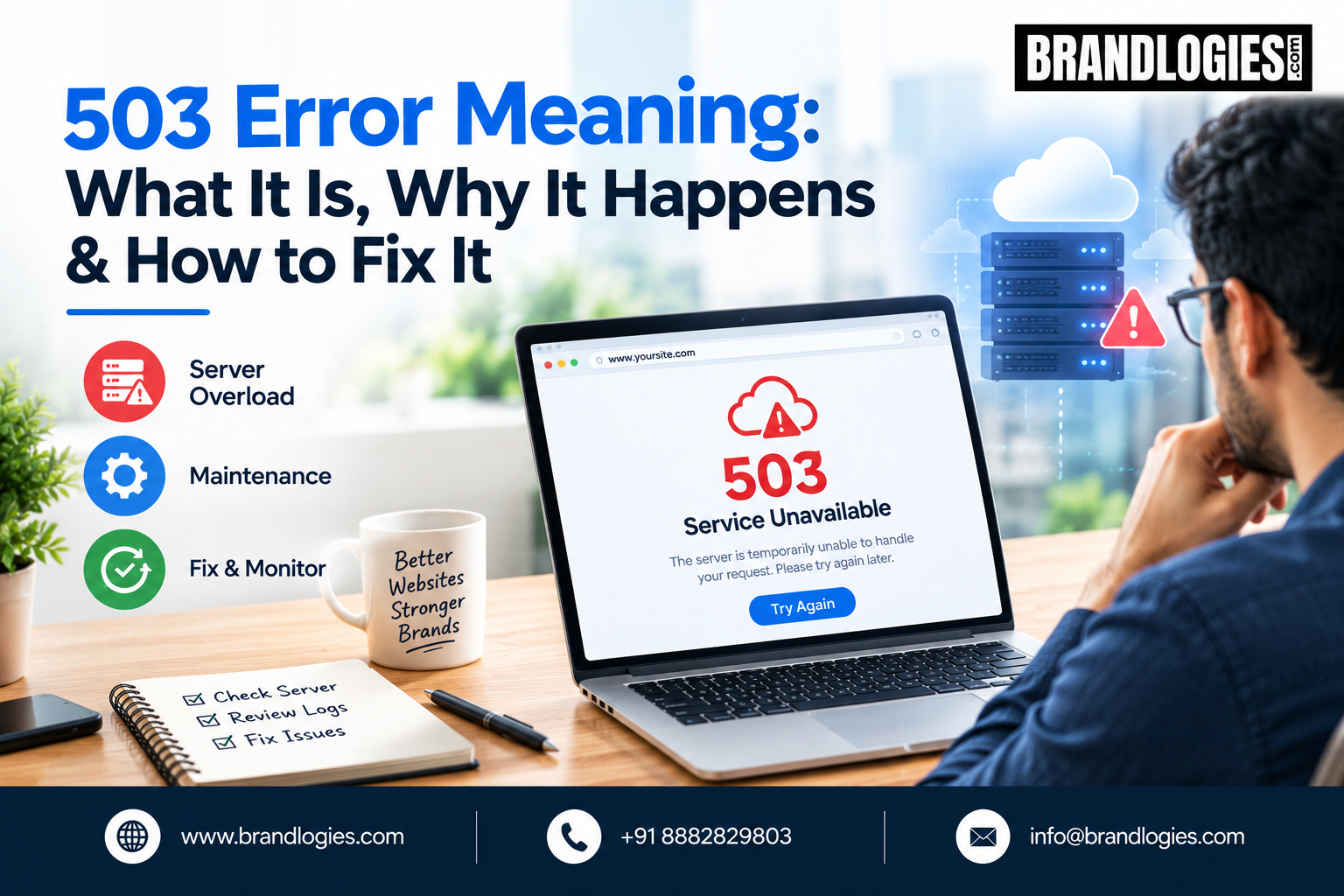
When a website suddenly stops loading and displays “503 Service Unavailable,” it can be frustrating for both website owners and visitors. Unlike some website errors caused by incorrect URLs or missing pages, a 503 error generally indicates that the server is temporarily unable to handle the request.
Understanding the meaning of a 503 error can help website owners identify the cause, troubleshoot the problem, and restore their website as quickly as possible. For businesses that depend on their website for leads, sales, or customer enquiries, resolving server availability issues quickly is especially important.
What Does a 503 Error Mean?
A 503 Service Unavailable error is an HTTP status code that indicates the server is currently unable to process a request. The server itself may still be functioning, but it cannot handle the request at that particular moment.
Visitors may see messages such as:
503 Service Unavailable
HTTP Error 503
Service Temporarily Unavailable
The exact message can vary depending on the web server, hosting provider, or website configuration.
In most situations, a 503 error is temporary. However, if the error continues for an extended period, it may indicate a deeper hosting, server, application, or configuration problem.
Why Does a 503 Error Happen?
There are several reasons why a website can return a 503 response. One common cause is server overload. If a website receives more traffic than its hosting environment can handle, the server may temporarily reject requests.
Another possibility is scheduled server maintenance. Hosting companies and website administrators sometimes take servers or applications offline while performing updates, security work, or infrastructure maintenance.
Website plugins, themes, scripts, and applications can also contribute to the problem. A poorly functioning plugin or application process may consume excessive server resources and prevent the website from responding normally.
Other possible causes include insufficient hosting resources, database problems, server configuration issues, PHP worker limits, and temporary failures within the hosting environment.
How to Fix a 503 Error
The right solution depends on what is causing the error. Start by checking whether the problem is temporary. Refreshing the page after a short period can sometimes resolve a brief server overload.
If you manage the website, check your hosting provider’s server status and maintenance notifications. Your hosting dashboard may also provide information about CPU, RAM, bandwidth, or other resource usage.
If resource usage is unusually high, investigate recent traffic increases, scripts, plugins, background processes, or application activity.
For WordPress websites, temporarily disabling recently installed or updated plugins can help identify whether one of them is contributing to the issue. If you cannot access the WordPress dashboard, your hosting control panel or file manager may provide another way to disable plugins.
Checking server logs is another useful troubleshooting step. Error logs can reveal whether the issue is related to PHP processes, databases, applications, or server configuration.
If the website continues returning a 503 response, contact your hosting provider. They can check server-level problems that may not be visible from your website dashboard.
Can a 503 Error Affect SEO?
A temporary 503 error does not automatically mean your website will lose its search visibility. In fact, a 503 response can communicate that a service is temporarily unavailable rather than permanently removed.
The bigger concern is prolonged or repeated downtime. If important pages remain unavailable for an extended period, search engines may eventually have difficulty accessing and processing your content.
Website owners should therefore monitor uptime and investigate recurring 503 errors rather than treating them as harmless technical glitches.
From an SEO perspective, technical accessibility is part of maintaining a healthy website. A site that frequently becomes unavailable can also create a poor user experience and reduce opportunities for visitors to engage with the business.
How to Prevent Future 503 Errors
Prevention starts with reliable hosting and regular website maintenance. Choose hosting resources appropriate for your traffic and application requirements.
Keep your website software, plugins, themes, and server environment updated. Remove unnecessary plugins and monitor resource consumption.
Website owners should also use uptime monitoring tools to receive alerts when their website becomes unavailable. Regular backups, performance monitoring, security checks, and technical SEO audits can make it easier to identify potential problems before they become major disruptions.
Brandlogies can help businesses improve their website’s technical health through SEO-focused website analysis, performance improvements, content optimization, and digital strategy.
Final Thoughts
Understanding the 503 error meaning is important for anyone managing a business website. The error usually indicates that the server is temporarily unable to handle a request, but the underlying cause can range from traffic spikes and maintenance to hosting limitations and application problems.
The key is to identify the cause rather than repeatedly refreshing the website without investigating. Monitoring server performance, maintaining website software, using reliable hosting, and responding quickly to downtime can help keep your website accessible.
With the right technical SEO and website maintenance strategy, Brandlogies can help businesses build a more reliable online presence while protecting search visibility and user experience.

FAQs
1. What is a 503 error?
A 503 error means the server is temporarily unable to handle a request. It is commonly known as 503 Service Unavailable.
2. Is a 503 error permanent?
Usually, no. A 503 error is generally temporary, although it can continue if the underlying server or application problem is not resolved.
3. Does a 503 error hurt SEO?
A short-term 503 error does not necessarily harm SEO. However, prolonged or frequent downtime can create accessibility and crawling problems.
4. How do I fix a 503 error?
Check server status, hosting resources, website plugins, application processes, and server logs. If the issue continues, contact your hosting provider.
5. Can Brandlogies help with website errors?
Yes. Brandlogies can help businesses with technical SEO, website optimization, performance analysis, content strategy, and overall search visibility.
Read also: How to Attract High-Value Guests to Your Resort Through Digital Marketing