Introduction
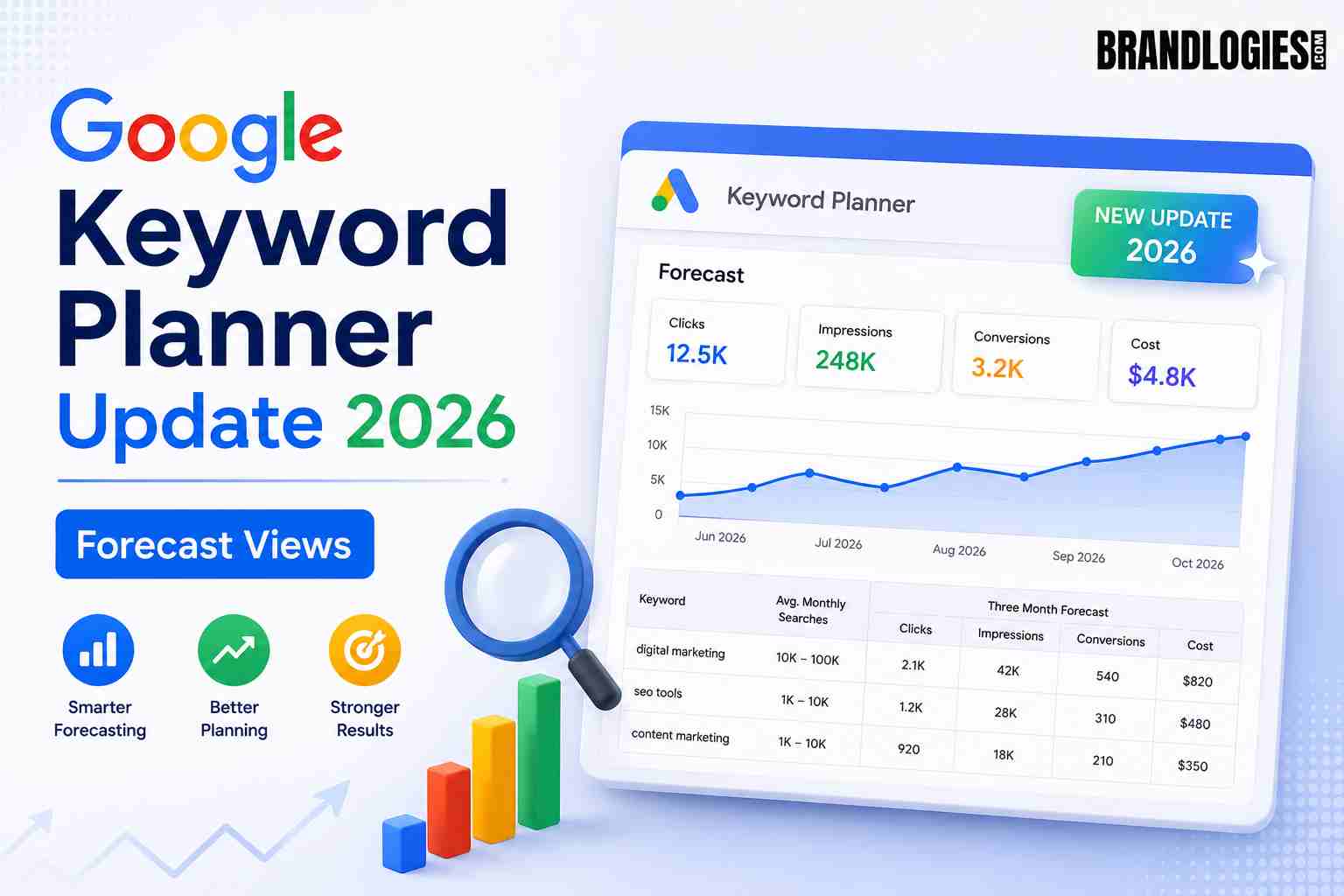
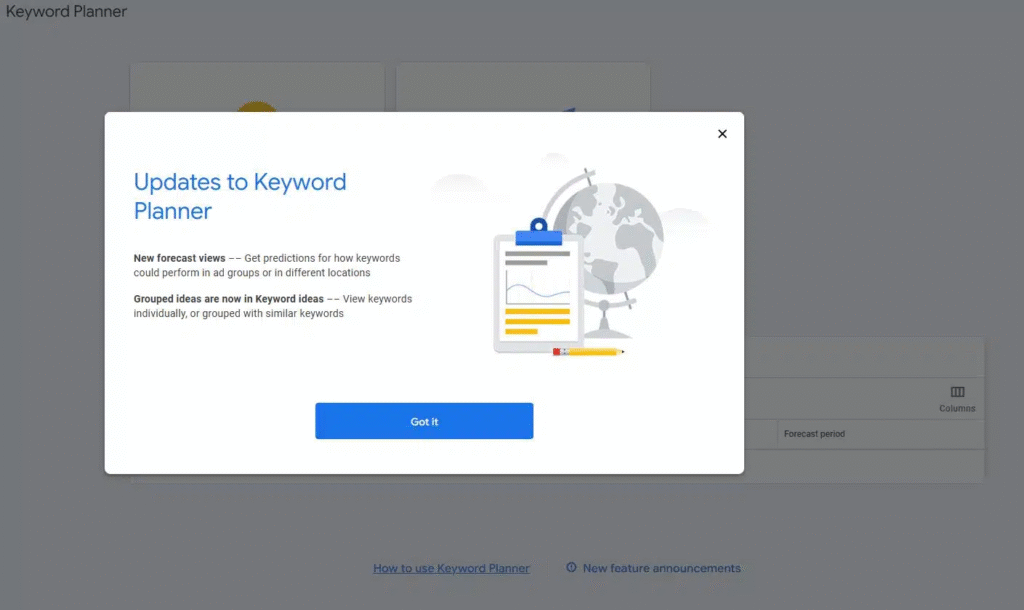
Google’s Keyword Planner update adds city, region, and device-level forecast breakdowns, giving advertisers a far more granular view of where and how their keyword demand actually shows up. The enhancement was first spotted in select accounts in mid-2025 and has continued rolling out gradually since, letting users filter forecasts by state, city, and Designated Market Area (DMA), alongside a split of expected traffic across mobile, desktop, and tablet. Google hasn’t formally announced the update, and it still appears to be a quiet, staged rollout rather than a full global release — but for advertisers running multi-location or device-sensitive campaigns, it’s already reshaping how keyword planning and budget allocation get done.
What’s Actually New in Keyword Planner
Location-Level Forecast Filters
Inside a saved keyword plan, the Forecast tab now supports filtering by location type — state, city, or DMA — instead of showing one blended national number. This lets advertisers see, for a given keyword or ad group, exactly which geographic areas are driving forecasted volume before a single dollar gets spent.
Device-Level Splits
Forecast views now break down expected performance by device type, showing mobile, desktop, and tablet splits separately. For campaigns where user behavior differs sharply by device, this removes a lot of the guesswork that used to require third-party tools or post-launch analysis.
Visual Snapshots by Region
The updated interface includes visual breakdowns, including pie charts showing where forecasted searches are concentrated. In one publicly shared example, a keyword plan showed roughly three-quarters of forecasted volume concentrated in a single city, illustrating just how uneven demand can be across a supposedly broad target region.
Grouped Keyword Ideas
Alongside the forecasting changes, the Keyword Ideas section now lets you view keywords individually or grouped with closely related terms in the same view. That removes the need to bounce between separate tabs to understand how a cluster of keywords relates to one another.
Expert Tip
Before assuming a broad location target is efficient, check the city-level breakdown first. A region that looks strong in aggregate can be driven almost entirely by one or two cities — which changes how you should be structuring location targeting at the ad group level.
Why This Matters for Advertisers
Keyword Planner has historically shown volume estimates at a fairly broad level, which made precise local budgeting difficult without pulling in outside tools. Being able to see forecasted demand at the municipality or DMA level, paired with device splits, means advertisers can now identify high-performing geographic areas and device contexts before a campaign even launches, rather than discovering them through weeks of live performance data.
Old vs New Keyword Planner Forecasting
| Feature | Before the Update | After the Update |
| Location detail | Broad, often national-level estimates | City, state, and DMA-level breakdowns |
| Device insight | Limited or none in the forecast view | Mobile, desktop, and tablet splits |
| Keyword organization | Individual list view only | Individual or grouped by similar terms |
| Visual reporting | Basic charts | Pie charts showing regional concentration |
Common Mistakes to Avoid With This Update
- Assuming the feature is available everywhere — this is a gradual, unofficial rollout, so it may not appear in every account yet
- Ignoring device splits when building creative, even though mobile and desktop users often behave very differently
- Targeting a whole region without checking city-level concentration, which can waste budget on areas with little real demand
- Overlooking grouped keyword ideas, which can speed up ad group structuring significantly once you’re used to the new view
Many businesses work with experienced digital marketing agencies like Brandlogies to rebuild their local campaign structures around this kind of granular forecasting data as it becomes available.
Making the Most of the New Forecasting Data
This update won’t dramatically change how Keyword Planner works, but it meaningfully sharpens the data behind campaign decisions that used to rely on guesswork or separate tools. If the new views have appeared in your account, start by checking city-level and device-level breakdowns for your highest-priority keywords before setting budgets. Since the rollout is still gradual and unofficial, it’s worth checking your Keyword Planner interface periodically even if you don’t see the new panels yet.
Frequently Asked Questions
1. What’s new in the Google Keyword Planner update?
It adds city, region, and device-level forecast breakdowns, along with grouped keyword ideas in the same view.
2. Can I filter forecasts by city?
Yes, the update lets you filter by location type, including state, city, and DMA.
3. Does the update show device-level data?
Yes, forecast views now include mobile, desktop, and tablet splits.
4. Is this available in every Google Ads account?
Not yet — it’s rolling out gradually, so availability varies by account.
5. What are grouped keyword ideas?
A view that lets you see keywords individually or grouped with closely related terms in the same section.
6. Why does city-level forecasting matter for local businesses?
It helps identify which specific cities or DMAs are driving keyword demand before launching a campaign.