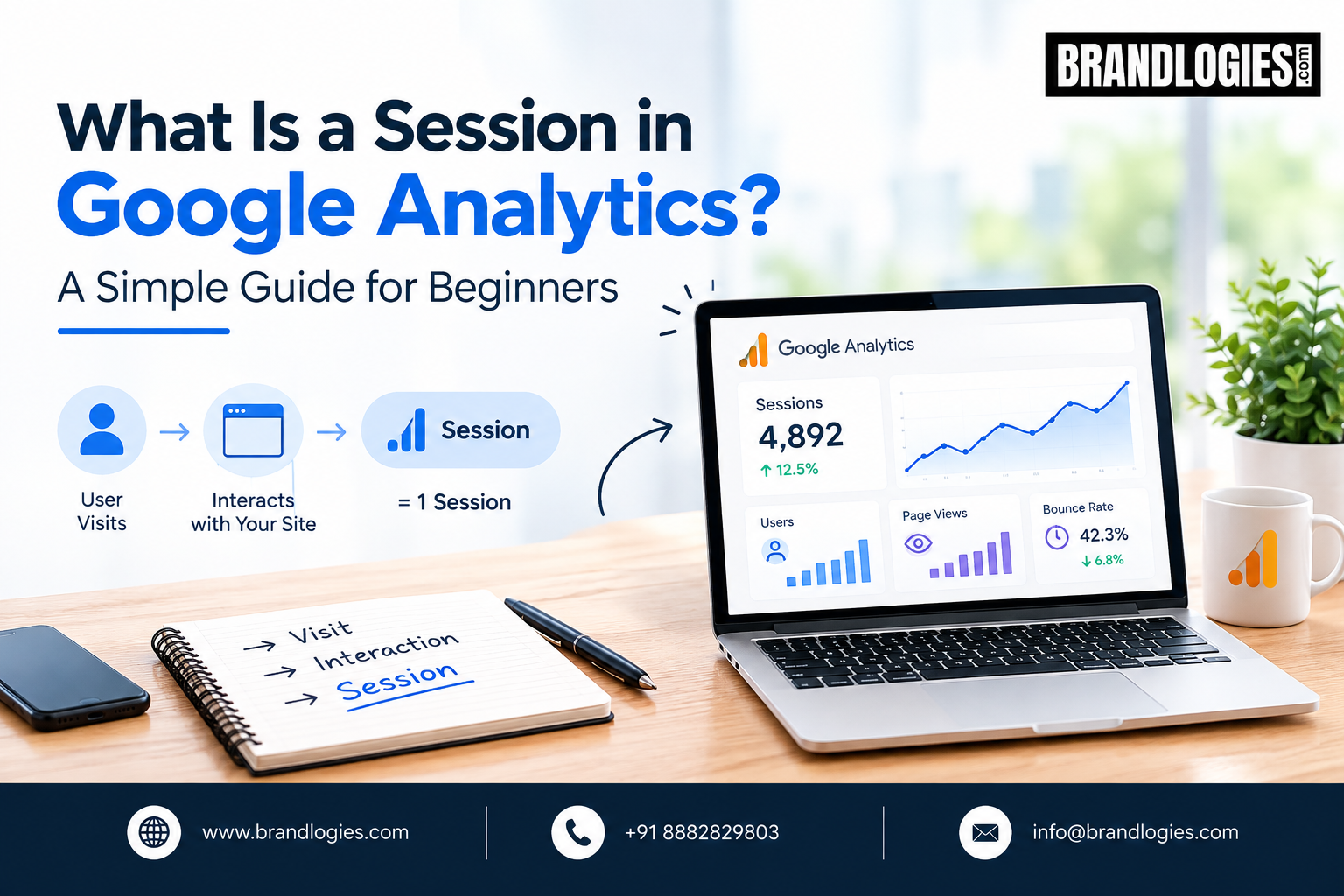
If you are new to website analytics, you may come across the term session in Google Analytics quite often. Understanding sessions is important because it helps you see how visitors interact with your website during a period of activity.
Whether you run an e-commerce store, service website, or business blog, understanding sessions can help you evaluate website performance and make better marketing decisions.
What Is a Session in Google Analytics?
A session in Google Analytics represents a group of interactions that a user has with your website or app during a specific period. These interactions can include viewing pages, clicking links, watching videos, completing events, or making purchases.
For example, if someone visits your website, reads two blog posts, views a service page, and submits a contact form, these interactions may occur within the same session.
A session therefore gives marketers a way to understand how users engage with a website rather than looking at individual actions separately.
How Does a Google Analytics Session Start?
A session generally begins when a user starts interacting with your website or app. Google Analytics records activity and associates related interactions with that session.
For example, imagine a customer searches Google for your business, visits your homepage, checks your services, and then views your contact page. These activities can be part of one session.
Understanding this journey can help businesses identify which pages attract attention and where visitors move before converting.
When Does a Session End?
A session can end after a period of inactivity or when other session-ending conditions apply. In Google Analytics 4, session measurement works differently from older versions of Universal Analytics, so businesses should avoid assuming that the old rules apply exactly the same way today.
This distinction is important when comparing historical analytics reports with current GA4 data.
Why Are Sessions Important?
Sessions provide useful context for understanding website engagement. Looking at sessions alongside metrics such as users, engagement rate, conversions, and revenue can provide a clearer picture of website performance.
For example, a business may receive many sessions but relatively few conversions. This could indicate that visitors are reaching the website but encountering problems with product information, navigation, trust, pricing, or the conversion process.
At Brandlogies, we use analytics insights as part of a broader digital marketing approach to help businesses understand website performance and identify opportunities for improvement.
Sessions vs Users
A user and a session are not the same thing.
A user generally represents an individual or device identified by Google Analytics, while a session represents a period of interaction with your website or app.
One user can have multiple sessions. For instance, someone might visit your website today, return next week, and come back again after seeing a social media post. Each visit can represent a separate session.
How Businesses Can Use Session Data
Businesses can analyze session data to understand:
- How much website activity is taking place
- Which marketing channels bring visitors
- Which pages receive engagement
- How visitors move through the website
- Whether website activity leads to conversions
When combined with conversion and revenue data, sessions become more useful for measuring the effectiveness of SEO, paid advertising, social media, and other marketing activities.
Final Thoughts
Understanding a session in Google Analytics is one of the basic steps toward learning website analytics. Sessions help businesses understand periods of user activity and provide valuable context when analyzing traffic and engagement.
For accurate decision-making, sessions should be reviewed alongside users, engagement, conversions, and other relevant metrics. With the right interpretation, Google Analytics can help businesses make more informed digital marketing decisions.
FAQs
1. What is a session in Google Analytics?
A session is a group of interactions a user has with a website or app during a period of activity.
2. Is a session the same as a user?
No. One user can have multiple sessions over time.
3. Why are sessions important for SEO?
Sessions can help businesses understand how much website activity comes from different traffic sources and whether visitors engage with the website.
4. Can one user have multiple sessions?
Yes. A returning visitor can generate multiple sessions through separate visits.
5. Does GA4 use sessions?
Yes. Google Analytics 4 includes session-related metrics, although its measurement approach differs from Universal Analytics.
Read Also – Sessions vs Engaged Sessions in GA4: What’s the Difference?